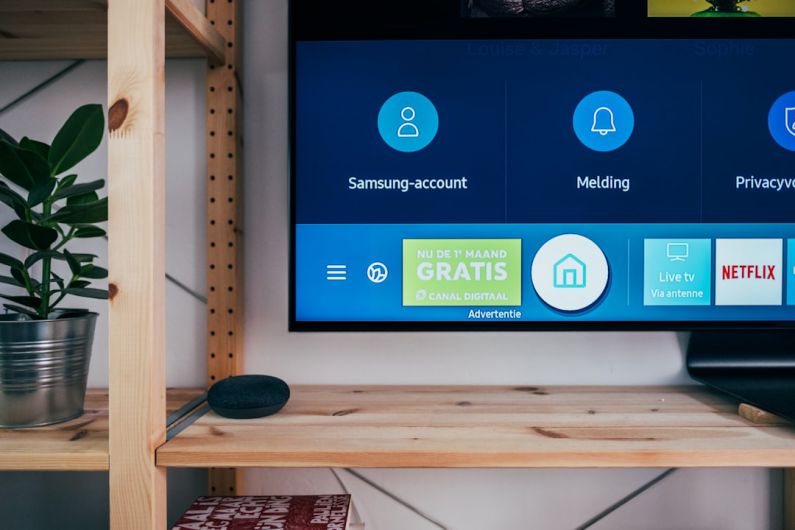
Smart home devices have become increasingly popular among homeowners looking to enhance their living spaces with the latest technology. From smart thermostats to security cameras and voice-controlled assistants, these devices offer convenience, security, and energy efficiency. If you’re a beginner looking to dip your toes into the world of smart home technology, installing these devices may seem daunting at first. However, with the right guidance, you can easily set up these devices in your home and start enjoying the benefits they offer.
Choosing the Right Devices
Before diving into the installation process, it’s essential to choose the right smart home devices for your needs. Consider what aspects of your home life you’d like to improve or automate. Are you looking to save energy with a smart thermostat? Enhance your home security with smart cameras and doorbells? Or perhaps you want to control your home’s lighting and appliances remotely? Identifying your priorities will help you select the most suitable devices for your home.
Setting Up Your Smart Home Hub
A smart home hub serves as the central control system for your smart devices, allowing you to manage them from a single app or voice command. Popular smart home hubs include Amazon Echo, Google Home, and Apple HomeKit. To set up your hub, simply plug it in, download the corresponding app on your smartphone, and follow the on-screen instructions to connect it to your Wi-Fi network. Once your hub is up and running, you can begin adding your smart devices to create a seamless smart home ecosystem.
Installing Smart Lighting
Smart lighting is an excellent starting point for beginners venturing into the world of smart home technology. With smart light bulbs or switches, you can control your home’s lighting remotely, set schedules, and even adjust the brightness and color temperature to suit your preferences. To install smart lighting, replace your existing bulbs with smart bulbs or switches and pair them with your smart home hub using the manufacturer’s instructions. You can then customize your lighting settings through the hub’s app or voice commands.
Securing Your Home with Smart Cameras
Home security is a top priority for many homeowners, and smart cameras offer an effective way to monitor your property and deter potential intruders. To install smart cameras, choose strategic locations around your home, such as entry points and outdoor areas. Follow the manufacturer’s instructions to mount the cameras securely and connect them to your smart home hub. Once set up, you can view live footage, receive alerts for suspicious activity, and even communicate with visitors remotely through the camera’s app.
Enhancing Comfort with Smart Thermostats
Smart thermostats are a game-changer when it comes to energy efficiency and home comfort. These devices learn your heating and cooling preferences over time, adjust settings automatically, and can be controlled remotely from your smartphone. To install a smart thermostat, turn off your HVAC system, remove your old thermostat, and follow the manufacturer’s instructions to install the new one. Connect it to your smart home hub, set up your preferences, and enjoy personalized comfort while reducing energy costs.
Integrating Voice Assistants
Voice-controlled assistants like Amazon Alexa and Google Assistant add a layer of convenience to your smart home setup. These assistants allow you to control your smart devices, play music, set reminders, and even provide weather updates—all with simple voice commands. To integrate a voice assistant, download the corresponding app on your smartphone, connect it to your smart home hub, and follow the setup instructions. You can then start interacting with your assistant and exploring its various features to streamline your daily tasks.
Making Your Home Smarter, One Step at a Time
As a beginner in the world of smart home technology, it’s essential to take things one step at a time. Start with a few key devices that align with your priorities and gradually expand your smart home ecosystem as you become more comfortable with the setup process. Remember to familiarize yourself with each device’s features and settings to make the most of their capabilities. With patience and a willingness to learn, you can transform your living space into a smart, connected home that enhances your lifestyle in more ways than you imagined.